
How to Document Business Processes as You Work
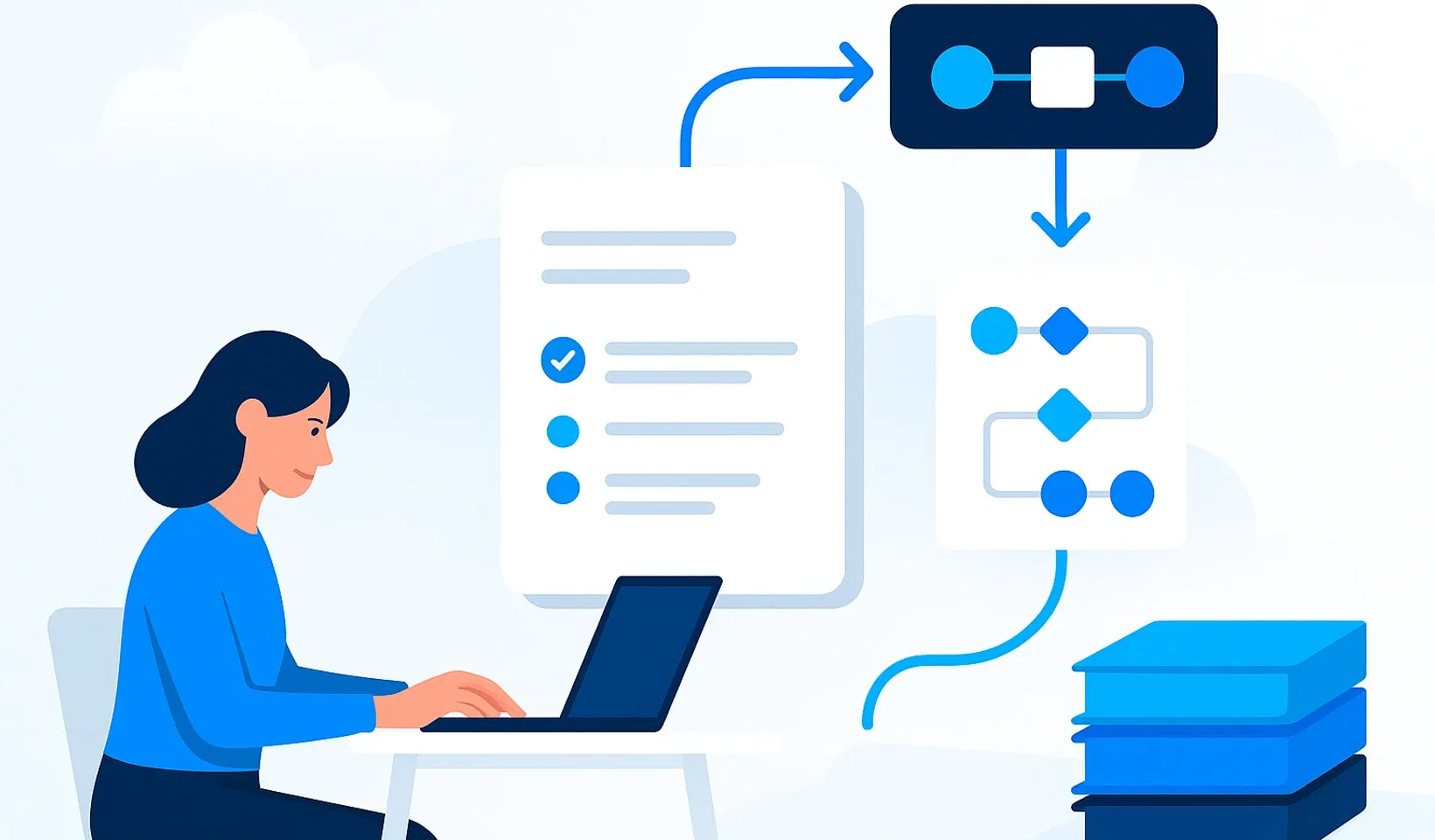
Process documentation stops being a separate task you keep putting off when you build it from what you already show, explain or write down at work. Record the next demonstration, save your answer to a recurring question, and turn that material into a short, searchable guide. You won’t have to recreate the same knowledge from memory later.
This doesn’t make documentation completely effortless. Review, clarification and approval still need to happen, but the raw material comes from everyday work. The goal isn’t a video archive that captures everything. It’s a guide that helps the next person understand the task without having to stand beside you throughout.
Process documentation records the steps, decision points and expected outcome of recurring work so someone else can carry it out consistently. A recording or note is raw material; finished documentation is knowledge that has been checked and is easy to find and use.
What does documenting as you work actually mean?
You don’t need to add another layer of admin to your working day. You need to notice when knowledge is already being shared: during a demonstration, a request for help, a task handover or a discussion about what caused a mistake. You’ve already thought through the explanation in those moments. Save it, and you won’t have to start from scratch every time.
It’s worth distinguishing between these formats:
- A recording or note: preserves what was said or what happened on screen, but doesn’t necessarily explain the correct procedure on its own.
- A standard operating procedure, or SOP: explains when to carry out a recurring task, in what order and with which checks.
- Training material: supports understanding as well as execution, explains how things connect and provides a way to check that understanding.
A knowledge base gives these materials an organized home; it isn’t simply a folder full of files. It’s useful when a team member can find the current guide by searching for the task. A note may be enough for a one-off discussion, while recurring work needs a procedure people can follow. Preparing someone to work independently also requires practice and feedback.
The level of detail should therefore depend on the task’s risks and the reader’s existing knowledge, not on how much material you managed to capture.
What happens when know-how stays in people’s heads?
Without a shared guide, getting a task done can depend on one person’s availability. Someone gets stuck and asks an experienced colleague. That colleague interrupts their own work, recalls the context and explains the solution again. The question gets answered, but the company’s knowledge is still no more accessible than before.
After the conversation, the information stays buried in messages or lives only in the head of the person who heard it. The next person with the same question may not know which search terms to use, or whether the earlier answer is still valid. Asking someone again feels safer, so the interruption repeats.
For a new employee, this is more than an inconvenience. Training depends on who has time to explain things and which details happen to come to mind. They may learn how to perform the steps without understanding when to do something differently or ask for help. The same uncertainty starts all over again with the next new hire.
When someone leaves, the less visible knowledge is often what you miss most: the reasoning behind decisions, how to recognize exceptions and how to check the final result. If that hasn’t been preserved, their replacement has to piece the process together through trial and error and more questions. The burden then falls on the experienced colleagues who remain and on the manager.
Documentation doesn’t replace personal support. It replaces repeated explanations of the basics. That leaves you more time together for uncertain decisions, feedback and genuine exceptions.
Which capture format fits the work?
Choose the format that preserves what matters about the task without requiring unnecessary presentation work. An action visible on screen needs different source material from the reasoning behind a decision based on experience.
Silent screen recordings for visible workflows
A silent screen recording works well when the sequence, interface and results of the actions carry the knowledge. Use an external screen recording tool to capture the demonstration as it happens. You don’t need to create a separate narration, but you do need to add any decision rules that aren’t visible on screen afterwards. Seeing a click doesn’t automatically explain why it was the right one.
Audio or narrated video for explanations
When the important part is why you choose a particular approach, audio may be more useful. Say what conditions determine the decision, what people commonly misunderstand and how you spot an error. Narrated video makes sense when both the visuals and the explanation are necessary. But an audio transcript isn’t a finished guide: unfinished sentences and missing references still need to be sorted out.
Existing text instead of explaining it again
If you already have a well-written answer, note or internal document, don’t make another video just for the sake of the format. Reuse the relevant part, remove details specific to the original situation and make the general rule clear. Existing material is a useful starting point, but check that it doesn’t describe an outdated process or an exceptional workaround.
Before recording, close unrelated windows and turn off notifications. Avoid capturing passwords, customer data or other confidential information. Let participants know about the recording, and follow your company’s data handling rules for its use and access. This method doesn’t require continuous recording of the entire working day.
How do you turn raw material into a procedure people can follow independently?
Don’t try to reproduce the raw material in chronological order at all costs. The goal is to help the reader understand the correct workflow, not make them watch every search and backward step. Start by separating the procedure people should follow from things that merely happened during the demonstration.
The finished guide should clearly answer these questions:
- When should you use it? What triggers the process, and when is this not the right procedure?
- Who carries it out? Who is responsible for doing the work, and who should they ask for approval or help?
- What do you need? What input, access or preparation is required before starting?
- What is the sequence? What are the actionable steps, and where are the genuine decision points?
- Why is it done this way? Which rules explain the important choices or restrictions?
- What happens when something doesn’t go as expected? When should the team member stop, and how should they report the obstacle?
- How do you know it’s finished? What counts as an acceptable result, and how can it be checked?
Use a task-focused title, short steps and consistent terminology. Spell out internal abbreviations, and name elements shown in images in the text as well. You don’t need to copy a detailed policy into every guide; link to the relevant source instead. That way, a change won’t leave you fixing conflicting copies.
Before approval, ask a colleague who didn’t create the material to review it. Have them show you where they would start, what they would check and when they would ask for help. If the process only makes sense with extra verbal explanation, add that missing information to the guide. For high-risk tasks, this review does not replace supervised practice.
Our guide to writing an SOP people will actually use explains in more detail how to distinguish actionable instructions from a simple list of tasks.
Where can AI help, and where do you still need a person?
AI can help you turn raw material into organized text without having to start from a blank page. It can identify steps, structure an explanation and provide an editable starting point. What it cannot decide for you is whether the process being demonstrated is actually correct.
Corganize’s process documentation features can turn a completed silent screen recording made with an external tool into step-by-step instructions. Audio and narrated video are first transcribed, then turned into structured training material; existing raw text can also be formatted with AI. Processing is queued rather than shown as text being written live on screen. You’ll receive a notification through the bell icon and by email when it’s ready.
The result is a draft lesson that you review and publish. Approved material can be organized in a folder-based, searchable knowledge base and assigned as part of employee onboarding.
When reviewing, look beyond the wording. Compare the steps with the source, add conditions that weren’t stated explicitly and remove confidential details. Don’t fill in missing permissions, decision rules or approvers by guessing. If the source is unclear, someone who knows the process needs to establish what belongs in the final version.
What should you avoid if you don’t want more admin?
This approach makes work easier only if it doesn’t create another mess. Avoid these dead ends:
- Don’t record everything indiscriminately. Someone will eventually have to search through disconnected recordings to find the useful parts. Too much raw material can quickly become another backlog, and it may contain sensitive data. Decide in advance which task you want someone else to be able to carry out and where the demonstration ends. A conversation unrelated to that goal doesn’t become more valuable just because you’ve saved it.
- Don’t wait for the complete company handbook. If you publish nothing until every area is documented, even the knowledge you’ve already prepared won’t help anyone. Start with a recurring, clearly defined process. Fix gaps that emerge during use, but always make accuracy a condition of publication. An attractive cover and a perfect folder structure cannot replace instructions people can follow.
- Don’t pass off raw material as finished documentation. The person watching a recording shouldn’t have to untangle which attempt was correct. It’s your job to filter misunderstandings, mistaken clicks and outdated details out of the final guide. The original file can remain as supporting material, but the approved guide should be the clear starting point for independent work.
How do you get your team to actually use it?
An introductory meeting won’t turn knowledge base use into a habit. What matters is whether it genuinely becomes the source of reliable answers in daily work. If the manager still shares every change only verbally or in private messages, the team has no reason to change how it works.
Decide who collects the raw material, who checks its accuracy and who makes sure people can find it. These don’t have to be different people, but the responsibilities need to be explicit. The person who knows a process should primarily be responsible for passing on the correct way of doing it, not for becoming an editor.
Connect documentation to situations that already happen:
- During a demonstration, decide at the start whether to save the explanation and prepare the appropriate recording method.
- When a question keeps coming up, include a link to the approved guide with the answer, or update the guide to fill the gap.
- During a task handover, include where to find the guide and what has changed in it as part of the conversation.
- When someone gets stuck, don’t just get the work moving again. Find out what made the documentation unclear or incomplete.
Make sure sharing a link doesn’t feel like brushing someone off. Help first, then show them where the answer lives. If the material didn’t resolve their question, don’t automatically blame the team member. They may have looked in the wrong place, used a different term or needed a decision rule that was missing.
Don’t hand a new employee the entire knowledge base without a clear task. Start them with material relevant to the work they’ll be doing, then follow it with practice and feedback. Reading a guide doesn’t necessarily mean someone can apply it.
How do you keep documentation current without a separate project?
Tie reviews to changes in how the work is done. A new interface, a shift in responsibility, an updated rule or a recurring misunderstanding should trigger a check of the relevant guide. If updates become a separate project put off until later, the team will soon trust verbal answers more than the documentation again.
Include the content owner’s name and the date of the last accuracy review in your procedure template. Clearly distinguish drafts from versions approved for use. Old material shouldn’t compete with the current version in search results: update links and handle outdated copies according to your company’s retention rules.
When someone leaves, ask for more than a file handover. Review which processes depend on their knowledge, where the reasoning behind decisions is missing and who will maintain the content from then on. A document stays useful when responsibility for it has a new owner, not just when the file has somewhere to live.
What are the signs that knowledge transfer isn’t working yet?
The number of uploaded files doesn’t tell you whether the system works. These signs show where knowledge transfer is breaking down:
- You regularly have to explain the same task again, even though material already exists for it.
- Team members look for a particular person to help rather than finding an answer by searching for the task.
- The guide doesn’t explain when to stop and ask for help.
- Different versions exist in several places, and nobody knows which one is current.
- New employees need constant verbal explanation alongside the documentation.
- Nobody has been assigned responsibility for the accuracy of a departing colleague’s material.
If any of these sound familiar, don’t immediately look for a new tool. First establish whether the problem is capture, accuracy checking, findability or habits around using the material. An incomplete guide needs a different fix from a good guide that nobody can find.
Where should you start so this doesn’t become another abandoned initiative?
Choose a recurring task where people often wait for the same person and where a mistake can hold up someone else’s work. Capture the raw material from the next real demonstration, turn it into a checked procedure and use it the next time someone asks for help.
Only then expand the system. First, confirm that the title makes sense, the material is easy to find, the steps are easy to follow and someone owns the updates. Your business isn’t documented because everything has been recorded. It’s documented when the next person can actually use the knowledge you’ve preserved.
Frequently asked questions
Can you document business processes without setting aside extra time?
Not entirely, because review and approval still take time. But you can reduce the separate writing work by building on everyday demonstrations, explanations and answers you've already written.
Is a screen recording enough to document a process?
A recording can show the actions, but it often doesn't reveal the reasoning behind decisions or how to handle exceptions. For someone to work independently, you need to add that context along with clear steps and checks.
What should a small business document first?
Start with a recurring task where people regularly ask the same person for help. Give priority to a process that holds up other people's work when it gets stuck.
How does AI help with process documentation?
It can turn raw recordings, audio or text into a structured, editable draft. Before publication, a person needs to check its accuracy, add missing conditions and review it for confidential details.
When should you update a process guide?
Whenever the workflow, interface, responsibilities or applicable rules change. Recurring questions from team members are another signal: check whether the material is incomplete, unclear or difficult to find.
Turn recordings into company knowledge people can use
Organize approved lessons in Corganize's folder-based, searchable knowledge base. AI processing gives you a draft; you stay responsible for checking its accuracy and publishing it.
Explore the company knowledge base