
What Is an SOP? A Practical Guide for Small Businesses
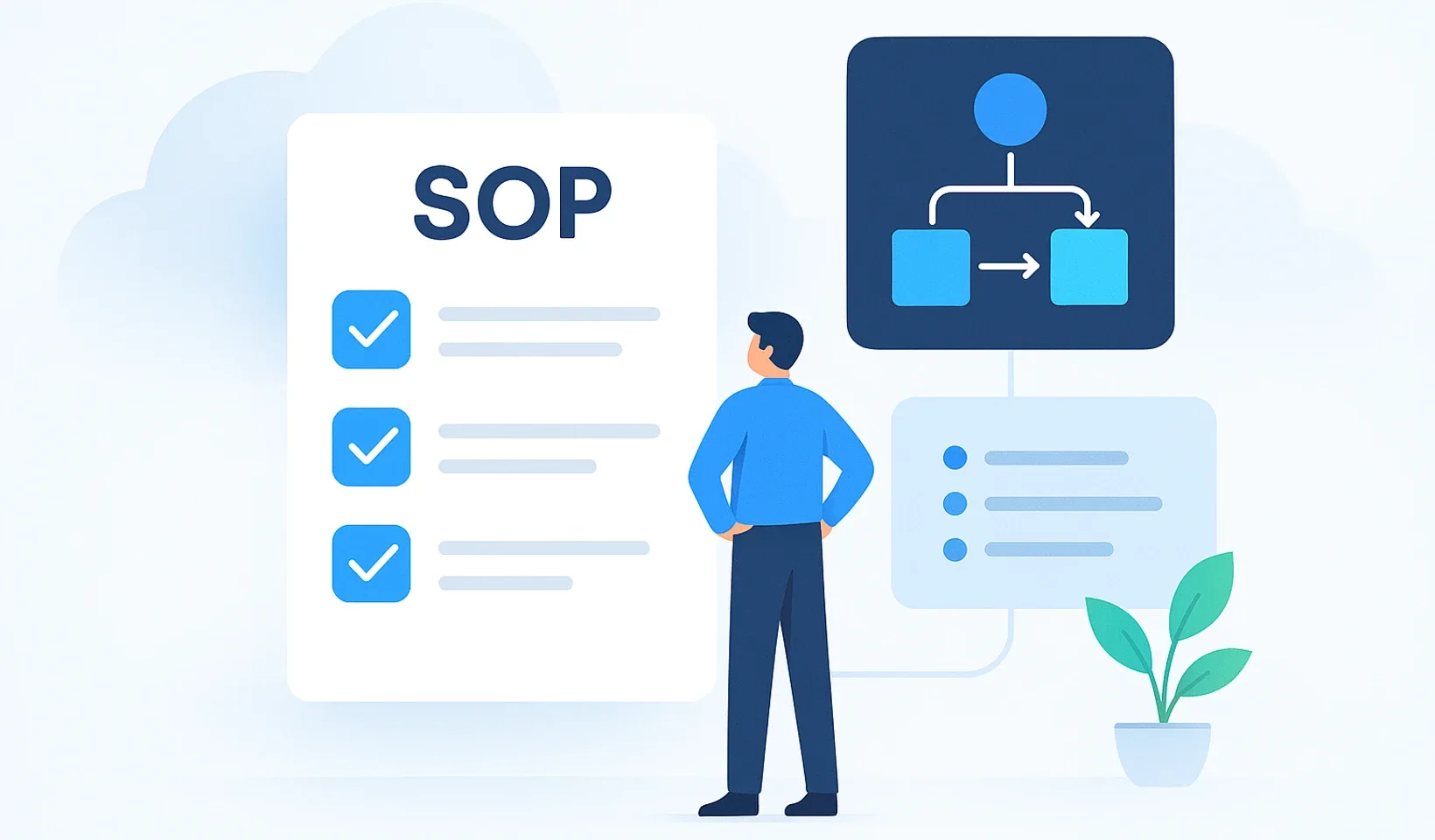
An SOP is a written, repeatable set of instructions for completing a recurring task. For a small business, its value is straightforward: the same person no longer has to explain how to do the job properly every time. Team members can find the steps, the checks they need to make and the points at which they should ask for help.
The benefit is not the document itself. It is fewer interruptions, clearer responsibilities and knowledge you can pass on. You do not need dedicated software or a complete company handbook to get started. An up-to-date guide to an important recurring process is enough, provided people can actually find and use it while doing the work.
SOP meaning: SOP stands for Standard Operating Procedure. It is a documented procedure that sets out a recurring task’s purpose, requirements, responsibilities, steps and expected result, including how to check the work and handle exceptions.
What is the difference between an SOP, a policy and a checklist?
SOPs are often grouped under process documentation. In practice, the label matters less than whether someone can complete the task using the document. Here, “standard” means a consistent way of working within your business. It does not, by itself, imply certification or compliance with an external standard.
- A policy sets out the principles and boundaries: what people may, must and must not do.
- A process overview shows how work moves between people and where handovers or decisions happen.
- An SOP provides the detail needed to do the work: where to start, how to proceed and how to know you have finished.
- A checklist prevents omissions. It is enough on its own when the person using it already knows how to do the work.
- An onboarding plan defines what a new team member should learn and in what order, potentially drawing on several SOPs.
These tools complement one another. A new hire needs explanations and practice, while an experienced colleague may only need a quick check. A good system provides the right level of detail for the same task, rather than sending everyone the same lengthy material.
Why are SOPs worth creating in a small business?
The owner no longer has to be the source of every answer
When an answer exists only in someone’s head, every uncertainty interrupts that person’s work too. The person asking waits, the person answering loses focus, and the task only moves forward once they have spoken. An SOP makes those recurring explanations available without another conversation. That leaves the business owner’s attention for decisions that genuinely need it, rather than another explanation of the same procedure.
The next new hire does not start from scratch
With verbal training, you have to gather the same information again for every new team member. What you told the previous hire does not automatically become training material for the next one. A written procedure provides a shared foundation that the trainer can build on with explanations and practice. New colleagues can revisit a detail they have forgotten without needing someone to explain the entire process again.
Important details do not all leave with an employee
When someone leaves, you lose more than the person who performs the task. You may also lose their checking criteria, their reasons for handling exceptions in a particular way and the decision rules that were never spoken aloud. Their replacement has to piece these together through trial and error or by asking others. An SOP preserves the knowledge that can be documented, although it cannot fully replace professional experience or a personal handover.
You can catch problems before the handover
Without a shared definition of the expected result, everyone may judge the work complete according to their own interpretation. The discrepancy only becomes apparent to the person receiving it, who then has to ask questions or make corrections. An SOP makes the checks and handover requirements clear in advance. This can reduce rework while helping you distinguish between a task performed incorrectly and a poorly designed process.
Which process should you document first?
Do not choose the longest or most impressive-looking process. Choose one where uncertainty regularly holds up the work. A good candidate is a task that recurs, can be handed over and produces a result you can check.
- The same questions keep coming up, even though the answers rarely change.
- The task stops when the colleague who knows how to do it is unavailable.
- Handovers regularly require missing information or unfinished work to be supplied because nobody is clear about what “complete” means.
- Several people do the same task but interpret the expected result differently.
For complex work that depends heavily on the situation, do not try to force every decision into a rigid sequence. Instead, document the decision criteria, the risk limits and the person who needs to be involved. Leave room for professional judgement, but make the basis for that judgement visible.
If the process itself is disputed or contains unnecessary back-and-forth, sort out how the work should happen first. A precise description of a disorganised workflow does not make it a good one. Your SOP should record the agreed procedure, not collect everyone’s workarounds.
What should a useful SOP include?
Readers should not have to guess whether the instructions apply to them, what preparation is needed or when the task is complete. The structure below works even in a simple document and separates the information people need to carry out the work.
- Title and purpose: use a recognisable task name and explain the result the work is intended to achieve.
- Scope and starting conditions: when should the procedure be used, and which situations does it not cover?
- Prerequisites: what information, access permissions, tools or previously completed tasks are required?
- Responsibilities: who does the work, who makes decisions when something falls outside the normal procedure, and who receives the result?
- Work steps: what sequence should people follow, where are the decision points, and what follows from each decision?
- Checks and completion: how can someone tell that the result meets the requirements, and where should completion be recorded?
- Handling exceptions: when should the person stop, who should they involve, and what information should they pass on?
- Maintenance: who owns the document, which version is current, and when was its content last checked?
Write clear, active instructions. “Check properly” is no help unless you explain what to inspect and what counts as a problem. For important decisions, briefly record the reason as well, so team members understand the procedure rather than simply copying it.
The finished output, recorded status or information handed over should be verifiable. “Done” should mean more than the person doing the work feeling that they have finished.
How do you create your first SOP?
Involve someone who actually performs the task. A manager’s understanding of the work may differ from what happens day to day, so start documenting how the task is carried out in practice, not what an old organisational chart suggests.
- Capture the workflow. Observe the work and record the steps, the information used and the decisions made. A sequence of clicks alone does not always explain why something happens.
- Separate the routine from the variable. Put the steps that are always required into the main sequence. Handle exceptions separately so they do not overwhelm the normal workflow.
- Resolve unclear decisions. If the people doing the work disagree about the right approach, reach an agreement before publishing. Do not hide the contradiction behind vague wording.
- Test it without extra explanation. Ask a colleague with the necessary background knowledge to follow the instructions. Wherever they need to ask a question, check whether a requirement or explanation is missing.
- Revise it and mark it as current. Assign someone to own the content and make it clear which version people should use. Older copies should not compete with the current one.
For risky or irreversible operations, arrange testing in a safe environment with appropriate supervision. Testing an incomplete document is not a reason to put customer data, money or anyone’s safety at risk. An SOP does not replace the permissions or professional competence required to perform the work independently.
The guide to writing an SOP people will actually use also covers how to write and test your instructions. The key point: the document is not finished just because you have written it. It is finished when it has proved usable.
Should your SOP live in a document, a video or a knowledge base?
A shared text document may be enough for your first procedure. It works well when everyone who needs it has access, can find it easily and knows which version is current. Copies circulating in separate folders and messages quickly undermine that clarity.
Video can show a physical movement or an action on screen, making it a useful supplement. But when someone needs to look something up, finding a specific condition or exception is harder. A written SOP is easy to scan, lets you link directly to an important section and allows you to update individual details when something changes.
Where a process has many branches, a flowchart can help people understand the decision path. For routine checks, a short checklist may be more useful. You do not need to create every format for every task, only the ones that genuinely help the person doing the work.
A searchable knowledge base becomes especially useful when people also need to navigate between procedures. In Corganize’s internal knowledge base, you can organise lessons built from content blocks into your own folder structure. For onboarding, you also have day-by-day training plans, review questions, quizzes and progress tracking.
Before choosing software, though, clarify who owns the content and how it will be updated. A more expensive tool will not resolve unclear responsibilities or contradictory instructions on its own.
What should you avoid when creating SOPs?
Do not try to document the entire business at once
If documentation becomes too large a project, daily work can easily push it aside. You end up with plenty of unfinished material but nothing people can rely on yet. First, take an important workflow all the way through testing and into everyday use. You can then apply the structure you have developed to other processes.
Do not add detail for its own sake
Length is not a measure of quality. Unnecessary background information hides the parts that matter for doing the work, while overly detailed instructions are difficult to keep up to date. Provide as much detail as the intended reader needs to work independently. Link to related knowledge rather than copying it into every SOP.
Do not use the document as a reason to refuse help
“It’s in the document” is not an appropriate answer to every question. The material may be incomplete, difficult to find or unsuitable for the situation. In that case, the question is feedback about how the system works. Resolve the immediate obstacle first, then improve the instructions so they help the next person.
Do not penalise people for reporting deviations from the procedure. Otherwise, problems stay hidden while the document appears flawless.
How do you get people to actually use SOPs?
An SOP does not become a habit simply because you upload it somewhere. Team members need to know where to find it, when to use it and why it is more reliable than an old message. Introducing SOPs is therefore also about organising work, not just editing documents.
Connect the instructions to the task. Put a link to the current SOP where the work starts or is handed over. To make it easy to search for, use a title that contains the task name your team actually uses, not internal abbreviations only the author understands.
Show the procedure, then let people practise. During onboarding, walk through the workflow together, then have the team member complete the task using the instructions. Confirming that someone has read a document is not the same as confirming that they can perform the work correctly and independently.
Turn questions into shared knowledge. When the same uncertainty comes up again, do not just answer in a private message. Check whether the answer is missing from the SOP or people simply cannot find it. Missing content needs a different fix from a poorly chosen title.
Make it easy to report problems. The team should know whom to contact when the workflow changes or they find a contradiction. The content owner should check the feedback, update the instructions and make clear what has changed in the way the work needs to be done.
Let changes trigger a review. When a new tool, a change in responsibilities or a recurring error affects the work, review the relevant SOP. Do not wait for a distant, company-wide cleanup. Outdated instructions are especially harmful because they look usable but can still lead to the wrong result.
How can you tell whether an SOP is helping?
Do not measure success by the number of documents you have created. What matters is whether team members can reach the right result more easily and whether handovers need less clarification. Observe your own operation rather than comparing it with generic promises about return on investment.
Use these questions to check your SOP:
- Can someone find the instructions without first asking another person?
- Is it clear when the procedure applies and when it does not?
- Does it identify the prerequisites that must be in place before work begins?
- Does it specify the checkpoints and what an acceptable result looks like?
- Does the team member know when to stop and whom to ask for a decision?
- Is it clear who is responsible for the content’s accuracy and updates?
- Does it already address the most recent recurring question or change?
Also pay attention to the questions that remain. If conversations have shifted from basic steps to genuine exceptions, the instructions are probably doing their job. If the same basic questions keep returning, the issue may be the content, access to it or the training. Each needs to be addressed separately.
When an error recurs, do not automatically assume that someone failed to read carefully. Check whether the procedure can be followed in the actual working environment and whether the required conditions are in place. How it works in practice is the real test of usability.
What is the biggest benefit of an SOP?
An SOP is not valuable because it makes your business look organised. It is valuable because recurring work no longer requires people to work out the same explanations, decisions and checks every time.
The instructions work well when they are easy to find, follow and improve. Knowledge then becomes more than something held in the current employee’s memory. It provides a shared foundation for the next hire, the person covering the role and the whole team. That is one of the building blocks of a more predictable business.
Frequently asked questions
What does SOP stand for?
SOP stands for Standard Operating Procedure. It is a set of instructions for a recurring task that covers not only the work steps but also the prerequisites, responsibilities and checks needed to verify the result.
How big does a team need to be before it needs SOPs?
Headcount is not the deciding factor. Recurring work and the need to hand tasks over matter more. Even when you work alone, an SOP can help with tasks you perform less often. In a team, it is especially useful when people regularly need to ask the same colleague for help.
How long should an SOP be?
There is no universally correct length. Include enough detail for a team member with the necessary background knowledge to complete and check the task. Keep background material and unusual exceptions separate from the main workflow.
Who should write and update an SOP?
Involve the person who actually does the work, and have the person responsible for the process check its accuracy. Assign a content owner who handles updates when something changes or a problem is reported, and makes the current version easy to identify and access.
How can you measure the return on investment from SOPs?
Before and after introducing an SOP, track recurring questions, corrections needed at handover and time spent explaining the work. Compare changes in these with the effort required to create and maintain the instructions. Calculate financial returns from your own measurements, not from generic savings promises.
Make your procedures easy to find
Organise your SOPs in Corganize's searchable knowledge base, then use training plans to guide your team through learning the work.
Explore Corganize