
Digital Onboarding Solutions 2026: End the Training Chaos for Good
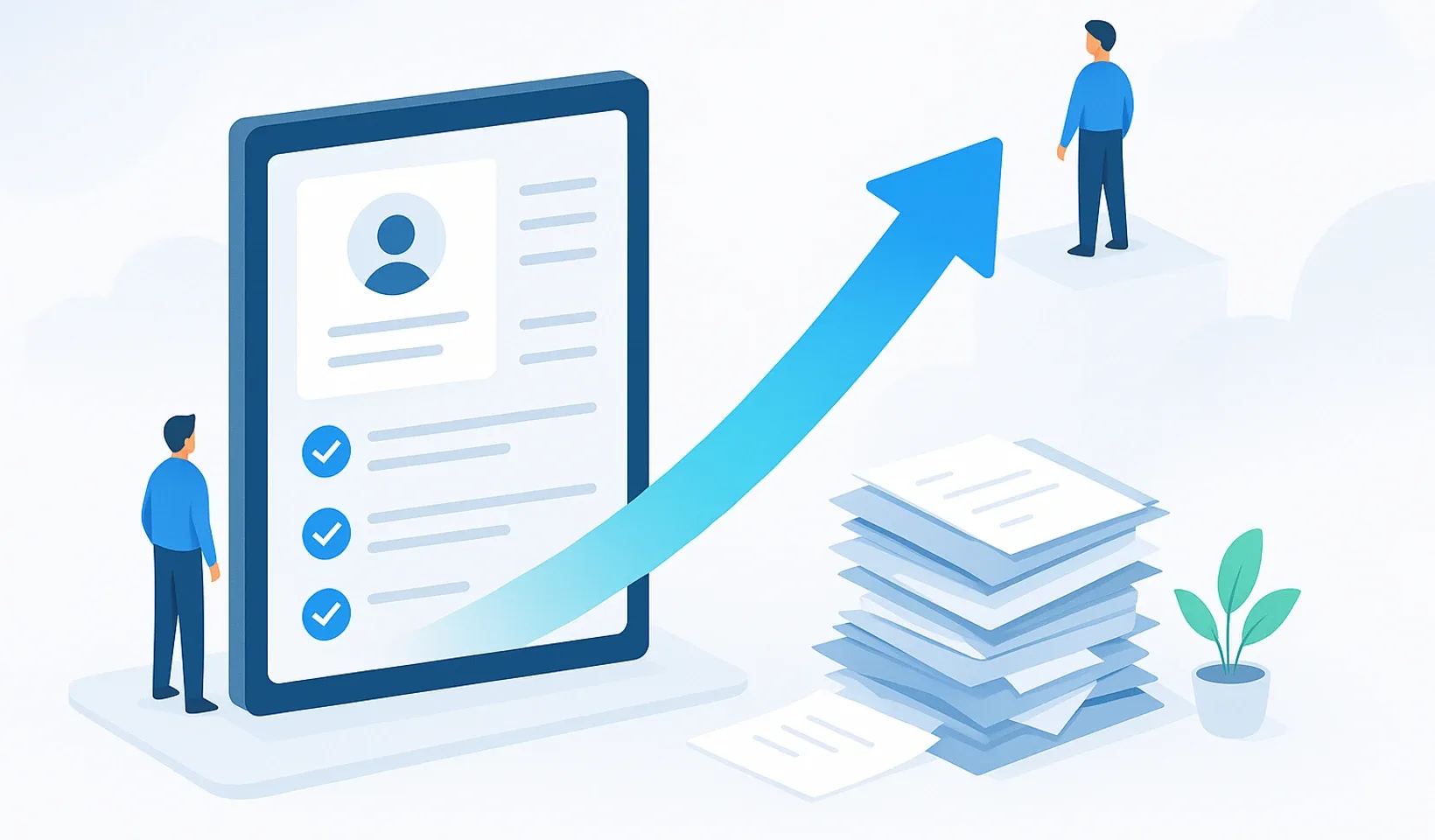
Training chaos comes down to one thing: whether your company knowledge lives in people’s heads and scattered files, or in one organized, searchable place. Digital onboarding solutions solve exactly this. Instead of depending on a senior colleague’s calendar, a new hire moves forward on their own from a fixed, always up-to-date knowledge base. In 2026 this is no longer a luxury; it’s the difference that frees up days with every single new team member.
In this article we’ll walk through why the classic “sit next to me” method fails, what criteria to use when choosing a platform, and how your videos, audio recordings and existing documents become searchable training material without you spending weeks typing.
Digital onboarding: the process in which a new employee reaches full, productive membership on their own and in a measurable way, following a role-specific plan, from a central, searchable system. The literature knows this as organizational socialization.
Why isn’t the “sit next to me” method enough in 2026?
The old “watch what I do” style of training is like the childhood game of telephone: by the time the information reaches the fifth person, it barely resembles the original process. Knowledge gets distorted, everyone remembers it differently, and nobody knows which version is authoritative.
Remote and hybrid work put an end to this for good. You can’t point to the desk next to you when the new colleague works from home and you’re in the office. You need a system that’s accessible from anywhere, anytime, and that guides the new hire without human intervention.
Manual training also has a serious hidden cost. If your most experienced colleague spends two hours a day babysitting the new person, that’s pure lost work time. And a bad first impression damages morale too: a frequently cited figure suggests that 20 percent of turnover happens within the first 45 days. Losing and replacing a single person can cost a fortune, not to mention that all their accumulated knowledge leaves with them.
What’s the difference between traditional and digital onboarding?
The biggest difference is scalability. Manual work multiplies by ten if you hire ten people tomorrow. In a digital system your effort doesn’t change, because the process starts for everyone with the push of a button. Add to that traceability and easy updates: you see exactly where everyone stands, and if a process changes, you edit it in one place and everyone instantly sees the latest version.
Traditional method
- Doesn't scale: 10 new hires means ten times the work
- Knowledge gets distorted and lost in people's heads
- Progress can't be tracked
- Nearly impossible in remote work
- The printed handbook is outdated instantly
Digital solution
- Scalable: 1 or 100 hires, the same effort
- Consistent, authoritative knowledge base for everyone
- Measurable, traceable progress
- Accessible from anywhere, anytime
- Updates with one click, always current
How do you choose the right platform for your company?
The market is full of flashy interfaces, but don’t decide based on design. The most important rule: don’t let the software tell you how to work; it should adapt to your existing processes. Your choice will actually become a cornerstone of your company’s digital transformation.
Flexibility
The tool should adapt to your processes, not the other way around.
Import
Your existing docs should come in with two clicks, no copy-pasting.
Scalability
If you grow from 5 to 50, the system should grow with you, no IT team needed.
Simplicity
If using it requires a pilot's license, the team won't. It should work on mobile too.
When it comes to pricing, don’t just look at the monthly fee; watch out for hidden items like extra storage or a per-user surcharge. Think about security too: in a single central system you manage permissions in one place and know exactly who has access to what. Using your own domain builds trust, because the new colleague finds the training material under your address, not on some stranger’s service.
Where does your content come from if you have no time to document?
This is where most business owners get stuck. They know they need the system, but they dread spending weeks typing 40-page PDFs that nobody will read. This is the documentation trap: the knowledge is in people’s heads but never gets put into shape.
The good news is that in 2026 you don’t have to be a scribe. Corganize’s logic is simple: the recording is the raw material, the product is the finished knowledge. Whether you start with video, audio or an existing document, the end result is the same: organized, searchable, assignable training material.
- A silent screen recording becomes a step-by-step process description (SOP). From a 42-second silent video, for example, the system produces a finished 10-step process description at roughly a few cents of AI cost.
- Audio and narrated video turn into text, and then into organized, searchable training material. This is our newest capability, going live right now.
- A Word, PDF or Notion document (even a whole folder) automatically becomes a lesson, so you don’t have to rewrite your existing chaos from scratch.
- AI formatting turns raw text or HTML into organized training material, and quiz question generation adds check questions to your lessons.
If process descriptions are what you’re after specifically, take a look at how to write an SOP your team will actually follow, and we’ve written in detail about organizing raw video material in the how to turn video into searchable company knowledge with AI transcription article.
What are the 5 steps to a successful rollout?
The software alone doesn’t solve the chaos; it’s just a tool. Success lies in the process. Here’s a simple roadmap:
| Step | What you do |
|---|---|
| 1. Audit | You review existing materials and throw out anything outdated or unnecessary. |
| 2. Roles | You create role-based plans, because a marketer and a developer don’t need the same thing. |
| 3. Upload | You process video, audio and existing docs with AI instead of typing by hand. |
| 4. Testing | You run the system on a single new hire or a helpful senior. |
| 5. Rollout | Full go-live, followed by continuous feedback and fine-tuning. |
The role-based approach is key. Have a shared module about the company’s values, then let the process branch out to the specific job, with a personalized welcome and easy first tasks to complete. You want a sense of accomplishment, not a shock. In Corganize training plans you can break the training into days with date locks, check questions and progress tracking, and with the built-in chat new hires can ask questions right next to the material. If you’d like a concrete template for planning, check out our how to write an SOP your team will actually follow article.
Why is Corganize a good choice for small businesses?
Corganize isn’t just another unnecessary tab in your browser; it’s a central place for company knowledge. The knowledge base is folder-based and searchable (up to 6 levels deep), lessons are built from blocks, and official documents live separately in a protected archive. With natural-language search your team can ask in full sentences for whatever they’re looking for.
Setup doesn’t require an IT guru: if you can use a website, you’ll manage it. The public Help Center appears on your own domain in white-label mode, so the system shows your company’s face throughout. Import from Word, PDF or Notion documents, even whole folders, takes just a few clicks.
The result is a way of operating where training isn’t a burden but the push of a button. If you’re curious about the bigger picture, read how a company operating system is built, or get started right away at Corganize.
Frequently asked questions
How is digital onboarding different from a PDF handbook?
Digital onboarding is searchable and trackable, while a PDF is a static document that goes out of date fast. You can see exactly where everyone stands in their training and who has completed which tasks. If a process changes, you update it in one place and everyone instantly sees the latest version.
Do you need coding skills to use Corganize?
No. The interface is simple and intuitive, and setup doesn't require IT help. If you can use a browser, you'll manage with Corganize. Importing from a Word, PDF or Notion document, even a whole folder, takes just a few clicks.
How does AI help create training content?
It turns raw material into organized training content. From a silent screen recording it creates a step-by-step process description, and from audio and narrated video it produces text and then searchable training material. From a 42-second silent video, for example, you get a 10-step process description at roughly a few cents of AI cost.
What kinds of files can I build training material from?
From video, audio, and Word, PDF and Notion documents, importing even whole folders at once. You don't have to start from scratch with your existing materials; the system helps you organize them into a logical, searchable order.
Is Corganize suitable for small businesses?
Yes, we tailored it specifically to the needs of small businesses. You don't get an overcomplicated system, but a clear tool that lets training stop stealing focus from growth.
Is company data safe?
Yes, because you decide who has access to what. Official documents can be stored separately in a protected archive, and you manage permissions in one place. This is far safer than scattered files or confidential materials sent around by email.
End the training chaos today
Upload your existing videos, audio recordings and documents, and watch them turn into searchable training material. Try Corganize and build your company's knowledge base the simple way.
Try Corganize