
How to turn video into searchable company knowledge with AI transcription
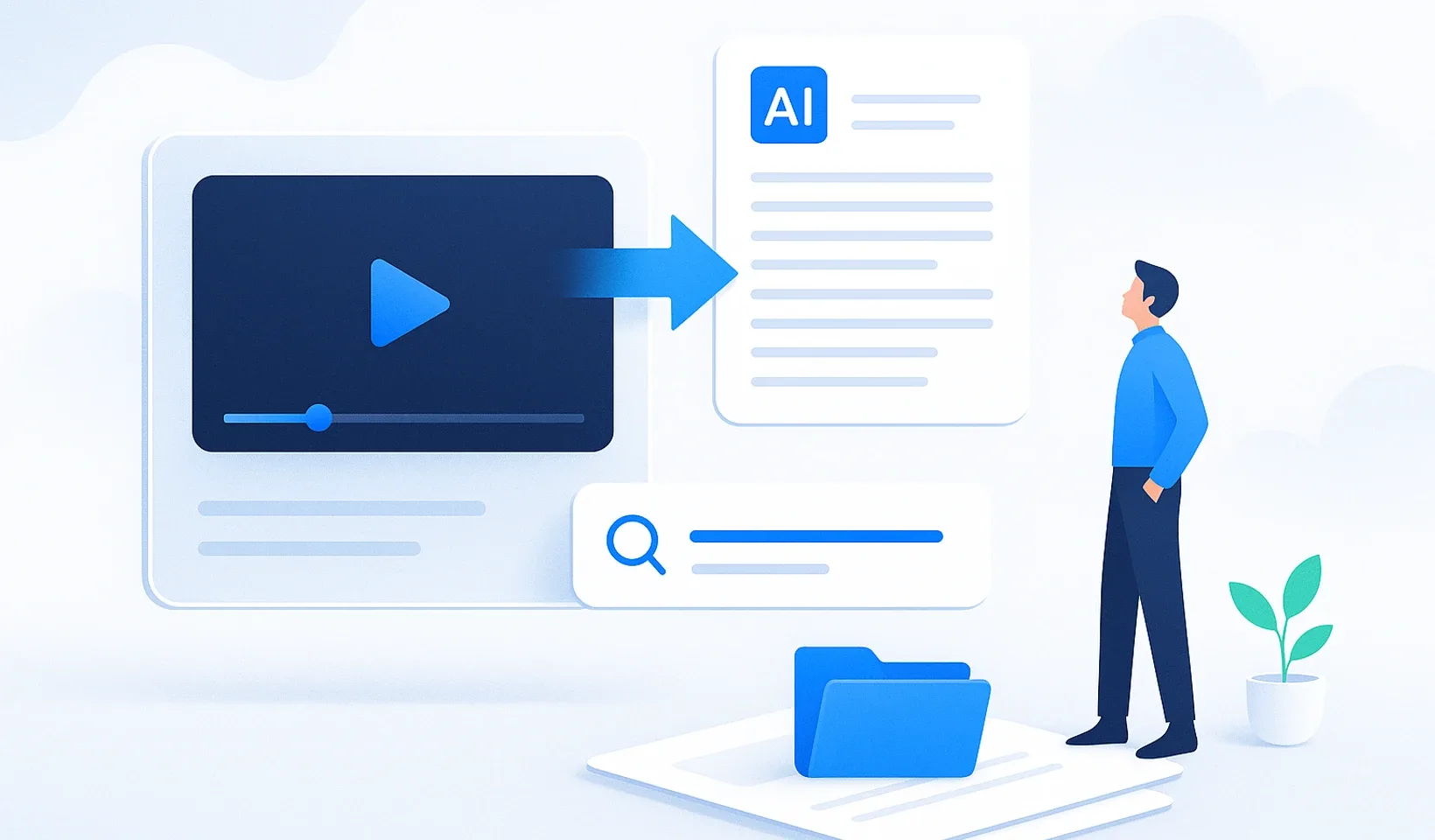
Transcribing video or audio with AI is only the first step, not the goal. A raw transcript is not knowledge, it is digital noise: an unstructured wall of text that nobody ever opens again. The real value begins when a recording becomes searchable, assignable, structured training material that your team actually uses.
Most tools on the market stop at the text file. You get a fifty-page document full of filler words, repetitions and half-finished sentences. That is not help, it is just another task on your list. In this article we walk you through how to turn your recordings into instantly usable, organized knowledge instead of a raw transcript.
Structured knowledge base: an organized, searchable body of knowledge in which a raw recording lives on split into logical units, ready to assign and update at any time, rather than buried in a forgotten file.
Why transcribing video or audio into text is not enough
Many people believe transcription is the end of the process. In reality it is just the start. The technology is built on speech recognition, or Automatic Speech Recognition (ASR), which converts sound waves into characters. This is fast today, but speed is not the same as usefulness. If the end result stays an unstructured stream of text, the chaos does not disappear, it just moves from the video file into a word processor.
Think about a one-hour meeting. The raw transcript will run to thousands of words. Who is going to search through that during an urgent project? Nobody. In an unstructured file, searchability is only a theoretical option: if you cannot tell what the decision was or who is responsible for what, the text is practically worthless. This is the digital graveyard where knowledge rests but never works.
The gap between “I have a file” and “I know what to do” is huge. Data is static, but knowledge drives action. A transcript only becomes real value when it is organized, categorized and assignable.
What can AI transcription do today?
The technology has moved up a level. Modern speech recognition now handles complex sentence structures and language quirks well, so you no longer have to spend hours fixing things by hand. Speaker recognition (diarization) has also become reliable: the system knows when one participant took over from another.
According to the source, by 2026 the best solutions deliver transcription accuracy that is industrially stable above 99%, even in noisier environments. That is an important foundation, but only a foundation: what matters is what you build from the text. Modern systems do not just hear, they interpret, recognizing jargon, abbreviations and internal project names.
Industrial accuracy
The best transcription models are now accurate enough that manual correction is largely unnecessary.
Speaker recognition
You can pinpoint exactly who spoke and when, so conversations stay traceable.
Context awareness
It recognizes technical terms and internal names, reducing misspellings.
Summarization
An hour of material becomes a digest with highlighted decisions and tasks.
Simple transcriber or knowledge management?
This is the real decision. A free online converter is fine if you want to transcribe a short audio clip once a year. But for a growing company that is not enough, because the end result stays an isolated file that nobody can find. Dedicated tools are fast, but they create data silos, and the bulk of the work, the formatting, saving and sharing, is still ahead of you.
| Aspect | Simple transcriber | Knowledge management (Corganize) |
|---|---|---|
| Result | Raw text file | Organized, searchable training material |
| Formatting | Manual, after the fact | AI formats the raw text |
| Storage | External, scattered files | One central, foldered knowledge base |
| Assignment | None | Day-by-day onboarding plan, quiz |
| Confidential documents | Not separated | In a separate, protected vault |
| Branding | Foreign interface | Your own domain, white-label |
In the long run, the platform-based approach pays off. You do not measure success in minutes, but in the hours saved and the chaos reduced. In a well-built system, knowledge does not walk out the door with a departing colleague, it stays with the company, organized.
How to build a knowledge base from video and audio
Capturing knowledge cannot be a chore, or your colleagues will not do it. Forget the ten-page manuals nobody ever updates. The fastest path is to have an expert simply show or explain how they do something, and let the AI handle the organizing. Here is what the process looks like in practice:
- Record. Capture the process with a screen recording, audio or a simple video. Loom or Zoom work perfectly for this, no studio needed.
- Import. Bring in your existing documents, even entire folders, from Notion, Word or PDF, and Corganize automatically builds lessons from them.
- Organize with AI. A silent screen recording becomes a step-by-step process description, while audio and narrated video become organized, searchable training material. This audio branch is our newest capability, going live now.
- Assign. Match the finished material to roles, put it into a day-by-day onboarding plan with a date lock, and generate check questions for it.
A concrete, measured example of the power of this process: a 42-second silent screen recording becomes a 10-step, numbered process description at an AI cost of roughly a few cents. The recording is the raw material, the product is the knowledge itself.
The same is true on the audio branch: recording is just a tool, the end result is organized, searchable material that you can drop into your process descriptions (SOPs) or your public Help Center.
Raw transcript
- Fifty-page, unstructured stream of text
- Filler words and repetitions
- No searchability, no context
- Nobody ever opens it again
Organized training material
- Lessons split into logical units
- Highlighted decisions and tasks
- Found through natural-language search
- Assigned to roles, with a quiz
What does Corganize add to this?
It gathers your company’s knowledge into a single hub. No more lost links or forgotten folders: every recording becomes a searchable, readable document, right where it should be. You can keep confidential documents in a separate, protected vault, and publish part of your knowledge in a Help Center running under your own brand.
The interface is deliberately simple, with no need for a week of onboarding. Thanks to natural-language search, you do not browse folders, you ask a question and the system shows you the answer. Onboarding new colleagues is therefore targeted and fast: the role-based, day-by-day plan and progress tracking take a lot of repetitive admin off your plate.
Time saved
The AI creates a digest of hours of material in seconds.
Retained knowledge
Processes do not disappear when a colleague leaves.
Faster onboarding
New hires learn from a searchable archive, in a targeted way.
Your own brand
The knowledge base and Help Center run under your domain.
The recording is the raw material, the product is the knowledge itself. Keep that in mind, and transcribing video and audio with AI becomes not an extra task, but the starting point of an organized operation.
Frequently asked questions
Does Corganize transcribe the video for you?
No. Corganize does not currently perform speech recognition, so it does not turn audio into text itself. You create the transcript with a dedicated external tool. Once you have the text, Corganize uses AI to turn it into organized, searchable, assignable training material.
So what is Corganize's role after the transcript?
Corganize formats your finished transcript or raw text with AI, turns it into a lesson split into blocks, places it in the searchable knowledge base, and assigns it into an onboarding plan with check questions. That is how raw text becomes genuinely usable company knowledge.
What can Corganize do with screen recordings?
From a silent screen recording, Corganize's AI creates a step-by-step process description, or SOP. In our measured example, a 42-second silent video produced a 10-step description for just a few cents. This is not speech recognition, but interpretation of the steps seen on screen.
How do I bring in my existing documents?
You can import from Word, PDF or Notion documents, even entire folders, and the system automatically builds lessons from them. That way your scattered materials end up in one place, organized.
Is the knowledge searchable in Corganize?
Yes. The knowledge base is folder-based and searchable, and natural-language search helps you find the process or lesson you need in seconds.
Where can I store official company documents?
You can keep official documents, as images or PDFs, in the company archive, in a separate, protected vault, kept apart from everyday training material.
Turn raw text into real company knowledge
You created the transcript somewhere, but it is still just raw text. Let Corganize use AI to turn it into organized, searchable training material, and turn silent recordings into process descriptions.
Try Corganize