
Beyond Training: How One SOP Powers AI, Chatbots, and Your Help Center
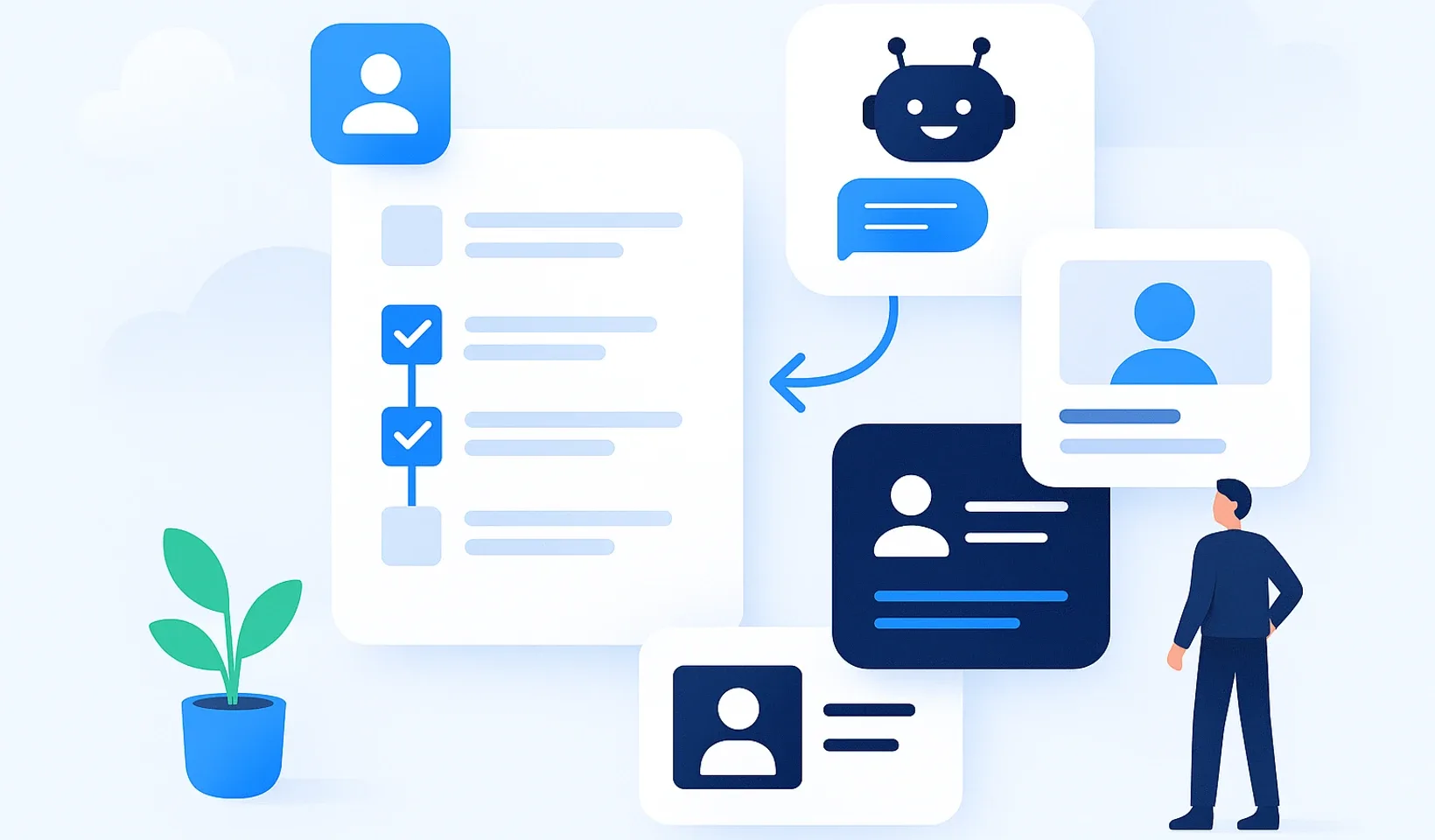
An SOP isn’t only good for helping a new hire learn the ropes. If you write it simply, step by step, that same text works for you in many ways at once: it drives training, answers day-to-day questions inside a chatbot, feeds a customer-facing help center, and makes the work itself partly or fully automatable. The key is that you have to instruct AI exactly the way you’d instruct a new colleague: once you describe a process well, you can reuse it in a lot of places. From one well-written SOP, several things get built at the same time: it trains, it answers daily questions, it feeds an AI chatbot and a customer help center, and it prepares the ground for automation.
The one condition is that you write it at a 14-year-old’s level. That’s not condescending, it’s an engineering principle: if a smart seventh grader can follow the text from start to finish without making a mistake, then a new employee can too, and so can an AI. A vague, half-in-your-head process is useless to everyone, human and machine alike.
SOP (standard operating procedure): a work process written out step by step, done the same way every time. It says who does what, when, in what order, and how they know they did it right. A good SOP leaves nothing open to misinterpretation.
Why does it matter that you write at a 14-year-old’s level?
When you describe a process, you tend to think with your own head. You know it needs to “go in the usual place,” you know to use “the usual template.” The new colleague doesn’t know that. AI definitely doesn’t. Both of them do exactly what’s written down, and nothing more.
In practice, the 14-year-old level means three things:
- Short sentences, one step per line. Don’t pack three actions into one sentence.
- No insider jargon without explanation. If you must use a technical term, define it right there in half a sentence.
- Concrete places, concrete names. Not “upload it to the system,” but “upload it to the Invoices folder, named with the month.”
This style has a huge side benefit: it’s exactly the same text an AI assistant needs to give a good answer, and exactly what you can build an automation on. You have to phrase your instruction for AI the same way you would for a person: if a colleague understands the description, AI understands it too. If the process is vague, the chatbot answers vaguely and the automation breaks. Clarity isn’t extra work, it serves everything at once.
What is an SOP good for beyond teaching?
Most companies equate an SOP with training. That’s only the first of five functions.
1. Training. The new hire doesn’t pull a colleague away with questions, they read it and do it. This is the best-known benefit.
2. A daily reference. For rare tasks (month-end close, prepping the annual tax filing, a special return) nobody remembers off the top of their head. The SOP is the lifeline here, no need to ask anyone.
3. The basis for an AI chatbot. If your processes live in a searchable knowledge base, an assistant answers from them in natural language. The colleague types “how do I process a return for a defective item?” and gets the exact steps. You don’t need to write anything new for this, the existing SOP is the source.
4. The antechamber to automation. You can only automate a process (partly or fully) once you’ve described it precisely. You have to instruct AI the same way you’d instruct a colleague, so whoever can’t break down what they do into steps can’t hand it off to a machine either. The SOP is the step without which automation never gets off the ground.
5. An external help center. From the same content you can build a help center not just for your team but for your customers. A shopper on your webshop looks up how to return an item themselves and doesn’t have to write to support. One SOP that works inward and outward.
Notice the common denominator: all five live off the same one well-written text. You don’t have to make five documents, just one, done well.
A concrete example: the 8-person webshop
Take an imaginary but realistic company. An 8-person webshop sells handmade kitchen tools. There are two people packing orders, one on customer service, one on purchasing, one on marketing, one prepping the books, and the two owners, who pitch in everywhere.
Returns were their nightmare. About 60 returned packages came in every month, and each one triggered the same loop: the support person wasn’t sure when a refund applied and when a replacement did, so they asked one of the owners. The owner checked, answered, and got knocked out of their own work in the process. Sometimes two different customers got different answers to the same question, because a different person decided on a different day.
The owner sat down and wrote the returns process at a 14-year-old’s level. It turned out the “logic” in their head was actually 11 steps with five decision points (is the product damaged, has the 14-day window passed, was it used, and so on). While it lived in their head, it was vague. Written down, it became simple.
From then on:
- Support decided on their own from the SOP instead of asking.
- The new hire got the same SOP during onboarding instead of being taught out loud.
- The knowledge base assistant answered from the SOP when someone typed “what do I do after the 14 days are up.”
- Some customers found the return process in the help center on their own and never even wrote to support.
- Part of the process (the automatic confirmation email and the warehouse notification) could later be handed off to a machine, because they knew exactly what the step sequence was.
One SOP, five benefits. No extra work beyond writing it.
What did the missing SOP cost them?
Let’s calculate with our own assumptions, not with outside statistics.
Say that of the 60 monthly returns, roughly every third one required asking the owner. That’s 20 interruptions a month. One of these question-and-answer loops isn’t just the 3 minutes of answering on the owner’s side, it’s the context switch: by the time they find their way back to their own task, about 10 minutes are gone. That’s 20 times 10 minutes, or about 3.3 hours a month, for a single process, out of the owner’s time alone.
Over a year that’s nearly 40 hours, a full work week. And that’s just returns. A webshop like this easily has 15-20 similar processes kept in people’s heads. If each one leaks time on a similar scale, then running the business undocumented eats up multiple weeks of leadership time a year, plus the cost of inconsistent, wrong decisions, which is harder to put a number on but which the customer feels.
Writing the SOP is a one-time cost: the returns process took about 90 minutes. 90 minutes once, versus 40 hours a year, over and over. That’s the trade-off.
How does the SOP end up serving AI, the chatbot, and the help center too?
Here’s the part worth paying special attention to when you write.
An AI assistant is only as good as the text behind it. Think of it like a new colleague: it will do exactly what you wrote for it, no more, no less. That’s why the same clear, step-by-step description is what makes AI’s answer good too. If your SOPs live in a searchable internal knowledge base in a clean, step-by-step form, natural-language search gives precise answers from them. But if the knowledge lives in half-sentences, emails, and people’s heads, even the best AI can’t do anything with it.
The same content translates outward too: in your customer-facing help center they get answers from the same SOP before they write to support. What feeds the chatbot inward is what powers customer self-service outward.
A few principles that serve human and machine at once:
- One process, one place. Don’t have three half-finished versions. One SOP that is the source.
- Title it as a question. The colleague isn’t looking for a “returns handling policy,” they type “what do I do with a returned item.” If your lesson’s title and first sentence answer that question, both search and the chatbot find it better.
- Write down decisions, not just steps. “If the product is damaged, then… if it’s not damaged, then…” That’s what lets the chatbot answer precisely, and what an automation can be built on.
In the Corganize knowledge base, asking the assistant doesn’t even consume AI credit, so you can confidently hand the daily “let me just check” questions to the system instead of a live person. But this only works if the SOP behind it is in good shape.
And you don’t even have to type it from scratch: if you have an old Word document or a PDF of the process, you can upload it, and AI formatting turns it into a tidy lesson draft that you review and publish. If you’d rather dictate it out loud, the audio recording becomes searchable training material too. The point on every path is the same: raw material becomes organized, shareable knowledge, but the final review stays yours.
What NOT to do
Three mistakes that ruin the whole thing, however good your intentions.
1. Don’t write it with your own head and skip the check. The test is to hand it to someone who doesn’t understand the process and watch whether they can do it from start to finish without a question. Wherever they get stuck, the SOP is incomplete. If you write it yourself and read it back yourself, it will always seem clear, because your head fills in the missing parts.
2. Don’t try to automate what you haven’t even written down yet. Many companies fail right here, with “AI will just do it,” while the process itself isn’t even clarified. That’s the wrong order. First the SOP at a 14-year-old’s level, then come the chatbot, the help center, and automation. Automating a vague process is just speeding up chaos.
3. Don’t write a novel. An SOP is not an essay. If a step needs three paragraphs of explanation, it’s probably two separate steps, or a decision point is missing. Short sentence, one action, move on. Long, flowing text is what neither human nor AI reads to the end.
How do you get people to actually use it?
Even the best SOP is dead if nobody opens it. Rollout is the harder part, not the writing.
- Start with a single pain point. Don’t try to write all your processes at once. Pick the one you get asked about most often, and write that one first. It brings immediate relief, and that’s what builds appetite for the rest.
- Answer the question with the SOP, not out loud. Next time someone asks the same thing, don’t explain it again. Write it once and send the link. “It’s written here, take a look, and if something’s missing, let me know.” After two weeks of that discipline, the team reaches for the SOP on its own.
- Build it into onboarding. In the new hire’s first week, make SOPs part of the training plan, scheduled to dates, with check questions. That way reading them isn’t optional, it’s how onboarding works.
- Update it when things change. Once an SOP goes stale and someone gets bad info from it, trust is lost for good. Have one simple rule: whoever changes a process updates the SOP too, that same day.
Self-check list: is your SOP any good?
Run these against your SOP. Every “no” is something to fix.
- Can an outsider get through it without a single question?
- Is every step one action, not three in a sentence?
- Are the decision points written down (“if this, then that”)?
- Does it name concrete places, names, and templates, not “the usual”?
- Is there no unexplained insider jargon in it?
- Do the title and first sentence answer the question a colleague would type?
- Is it in one place, and is that the latest version?
- Could a 14-year-old get through it?
If the answer is yes to all eight, then that SOP trains, answers in the chatbot, feeds the help center, and is ready for automation, all at once. And if you’re only just starting to write SOPs, our article on how to write an SOP walks you through the template.
The bottom line
An SOP isn’t extra admin, it’s the one text everything else is built from. It trains, answers daily questions, feeds a chatbot and a customer help center, and prepares the ground for automation. You have to instruct AI the way you’d instruct a colleague, so there’s a single condition: it has to be written simply enough that a smart seventh grader can follow it start to finish. Get that right and human and machine both understand it. Get it wrong and even the most expensive AI won’t save you from chaos.
Frequently asked questions
Why do you have to write an SOP at a 14-year-old's level?
Because that way nothing can be misinterpreted. If a smart seventh grader can follow the text from start to finish, so can a new colleague and an AI assistant. Neither human nor machine can work reliably from a vague, in-your-head process.
Can a process really be automated based on the SOP?
Partly or fully, yes, but only if you've first broken it down into precise steps and written down the decision points. You have to instruct AI the same way you'd instruct a colleague: whoever can't describe what they do can't hand it to a machine. The SOP is the step without which automation never gets off the ground.
How does a chatbot answer from an SOP?
If your SOPs live in a searchable knowledge base, an AI assistant answers from them in natural language. The colleague types their question and gets the exact steps. You don't need to write separate material, the existing SOP is the source.
Can I create a help center from my SOPs?
Yes. From the same content your team learns from, you can also build a customer-facing help center. The shopper looks up, say, the return process themselves and doesn't have to write to support. One SOP works inward and outward.
Do I have to type SOPs from scratch?
Not necessarily. If you have an old Word or PDF document, you can upload it, and AI formatting turns it into a tidy lesson draft. Audio recordings become searchable training material too. The final review and publishing always stay yours.
How much time does a written process save?
For an imaginary 8-person webshop, a single in-your-head process (returns) ate up nearly 40 hours of leadership time a year through repeated questions. Writing the SOP was a one-time 90 minutes. The math is clear: a one-time cost instead of a recurring leak.
Write it once, use it many times
Build your SOPs so they train, answer in the chatbot, fill the help center, and prepare the ground for automation, all at once. See how Corganize helps with this.
SOPs with Corganize