
Company Intranet: Turn Chaos Into Searchable Company Knowledge
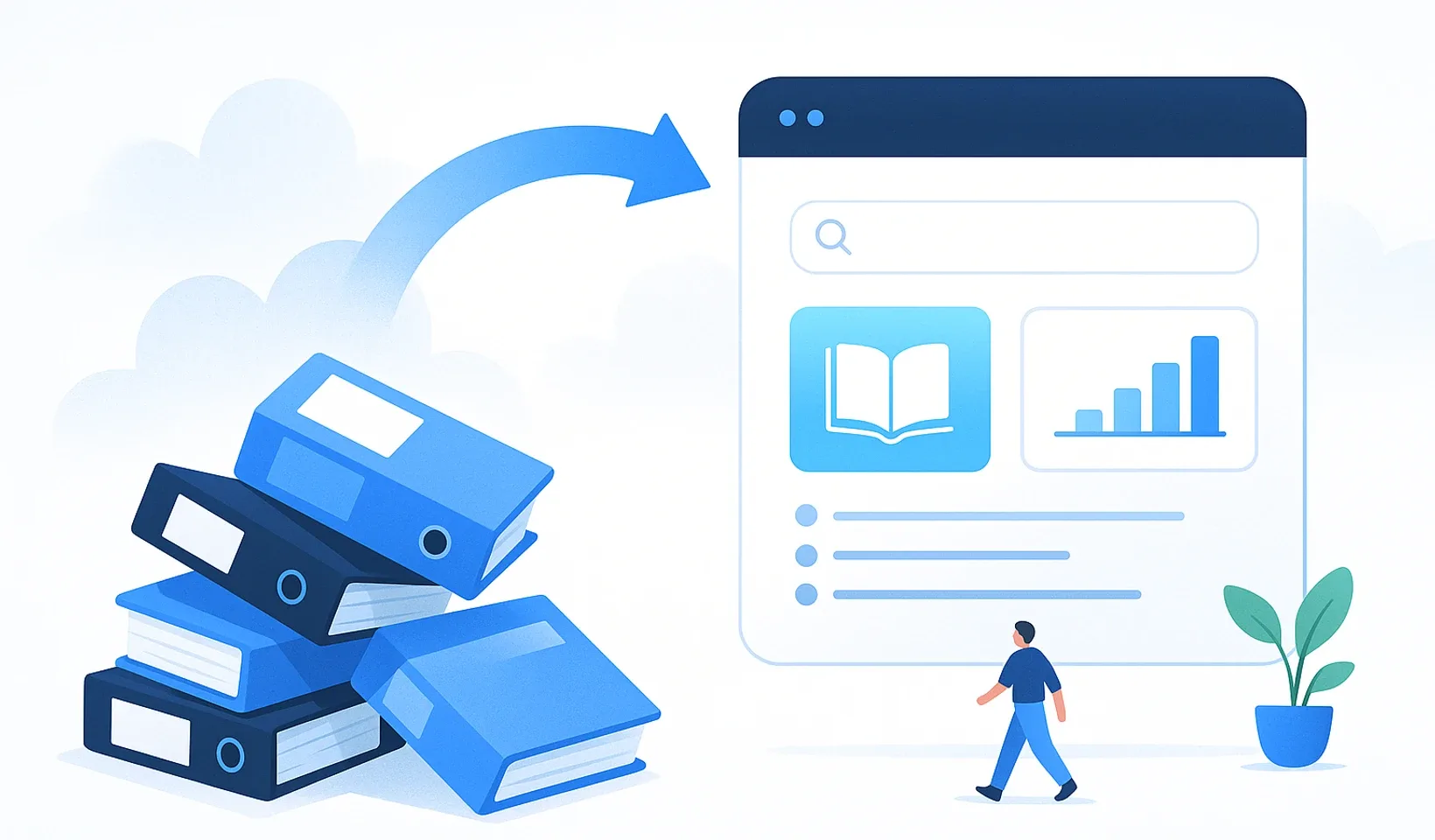
A company intranet is a central, searchable system where all of your company’s knowledge, training material and process documentation lives in one place, tailored to each role. Google Drive isn’t enough for this: it stores files, but it doesn’t manage processes, and instead of searching you end up hunting for a PDF. If you want new hires to get up to speed fast without everyone pinging you with the same questions, you don’t need more folders, you need organized knowledge.
Below we’ll walk through how an intranet differs from a shared drive, how AI takes the documentation burden off your shoulders, and how to migrate your existing material without retyping everything.
Company intranet: a central knowledge platform where company knowledge doesn’t just sit around, it works. Alongside files, it holds processes, training plans and searchable lessons, tied to permissions, so everyone sees exactly what their own work requires.
Why isn’t Google Drive enough for an intranet?
Drive is an excellent file store, but storage isn’t the same as knowledge management. You can drop every document onto a shared drive and still find nothing when you actually need it. The difference is simple: Drive holds files, while an intranet holds processes you can search, assign and follow up on.
The table below sums up the key differences:
| Aspect | Google Drive | Intranet |
|---|---|---|
| What it handles | Stores files | Files, processes and knowledge together |
| Search | Buried in folders, done by hand | Natural-language search across your own company data |
| Repeat questions | You have to answer them | The answer already lives in the system |
| Personalization | Everyone sees everything | Role-based access |
| Onboarding | Drags on | A structured plan with progress tracking |
Google Drive
- Only stores files, not processes
- Clunky search, lost PDFs
- Everyone asks the same thing over and over
- No personalization
- Onboarding drags on
Intranet
- Files, processes and knowledge in one place
- Searchable material, fast results
- The answer is in the system, no need to bother anyone
- Everyone sees the material for their role
- Organized, trackable onboarding
What is “tribal knowledge” and why is it dangerous?
Think about it: what happens if your best person quits tomorrow? If most of the knowledge lives only in their head, they take the tricks, the routines and the undocumented processes with them. An undocumented process isn’t really a process, it’s just luck. If it isn’t written down how you do things, you have to reinvent the wheel every single time.
A central knowledge base saves the company from that exposure. Knowledge stays with the company, not with individuals, and the operation keeps running even when you’re not around. If this hits close to home, read what it really costs when a trained employee quits.
How does AI speed up building knowledge?
At most companies documentation tops the list of dreaded tasks: it’s slow, boring, and there’s always something more important to do. This is where AI helps, because it turns raw input into organized, searchable, assignable material. The logic is the same across the board: you capture the raw input, and the output is finished knowledge.
In Corganize this works from several sources:
- A silent screen recording becomes a process doc. You record yourself completing a task, and the AI breaks it into steps. In one of our own measurements, a 42-second silent video produced a 10-step process doc at roughly a few cents in AI cost.
- Training material from audio and narrated video. This is our newest capability, going live now: it turns speech into text and then builds organized, searchable material from it, so the knowledge shared in meetings doesn’t get lost.
- Formatting with AI. It turns raw text or HTML into clean, structured material, so no more blank-page syndrome.
- Natural-language search. A colleague simply asks something like “how do I request time off,” and the system answers from your own confidential company data.
If the video angle interests you, see how a video transcript becomes searchable company knowledge, and you can read more about process docs here: process documentation and SOPs in Corganize.
How much faster is onboarding this way?
Onboarding usually eats a lot of time because you run the same laps with every new person. You only need to set it up well once, and after that the system does the work for you. Corganize’s training feature guides the new hire through a day-by-day plan, with date locks, check questions and progress tracking, so you see exactly where everyone stands.
The point of role-based onboarding is that the new person doesn’t drown in a sea of information. They only get what their position needs, and the mentor doesn’t waste time on technical trivia but focuses on real professional support.
If you want a concrete plan, start from this: how to build a training plan step by step. And on how long it realistically takes to bring a new team member on board, we wrote about it here: how long onboarding a new employee really takes.
How do you migrate your existing knowledge?
Most people put off the switch because they’re afraid of the migration. But the hard part is already behind you: everything you’ve built up just needs organizing. Corganize’s import handles Word, PDF and Notion documents, even by the folder, and automatically turns them into lessons, so you don’t have to download and re-upload anything one by one.
Two tips for the move:
- Curate, don’t dump. Leave the outdated stuff behind and bring over only what matters.
- Start small. Pick one department, test it there, and once they feel the improvement, the others will ask for access on their own.
For cleaning up a Drive-based mess, there’s a separate guide too: importing Google Drive into a knowledge base.
What should you look for when choosing software?
Many people pick the most complicated system crammed with a thousand features, and a few months later nobody uses it. That’s why simplicity comes first: if something isn’t clear within a few clicks, that feature is more of a hindrance.
What’s worth watching for:
- Built-in chat, so the question is right where the knowledge is.
- Custom domain and white-label, so the interface carries your company’s brand instead of looking like some stranger’s software.
- Permission management, so financial data stays with leadership and warehouse instructions with the people who need them.
- A company document archive, where official records live in a separate, protected space.
- A public Help Center, if you want to open part of your knowledge to the outside too.
The goal stays the same throughout: less admin, more real work. Get that right, and the chaos more or less clears up on its own.
Frequently asked questions
What is a company intranet?
A central, searchable knowledge platform where your company's knowledge, training material and process docs live in one place, tied to roles. It's not a simple archive but a system that actively supports daily work, because the answers are right there, well structured.
How is Corganize different from Google Drive or Notion?
Drive stores files, while Corganize is built for onboarding and operational processes: a folder-based knowledge base up to six levels deep, a day-by-day training plan and AI support. The structure is there, so you don't get lost in the details.
How does AI help build the knowledge base?
AI turns raw input into organized, searchable material. A silent screen recording becomes a step-by-step process doc (in one measurement, a 42-second video became a 10-step SOP at roughly a few cents in AI cost), and audio or narrated video becomes text and then structured material. The latter is our newest capability, going live now.
Do you need coding skills to use it?
No. The interface is built so you can manage it without any technical background. Material is assembled from blocks, and you can bring in existing documents via import from Word, PDF or Notion.
Can I use my own domain for the portal?
Yes, the system runs under your own domain in white-label mode, so the portal carries your company's brand. You can also open part of your knowledge to the outside in a public Help Center.
Bring your company knowledge into Corganize
Import your existing material from Word, PDF or Notion, and let AI build organized, searchable content out of it. The capture is the raw input, the output is finished knowledge.
Try Corganize